

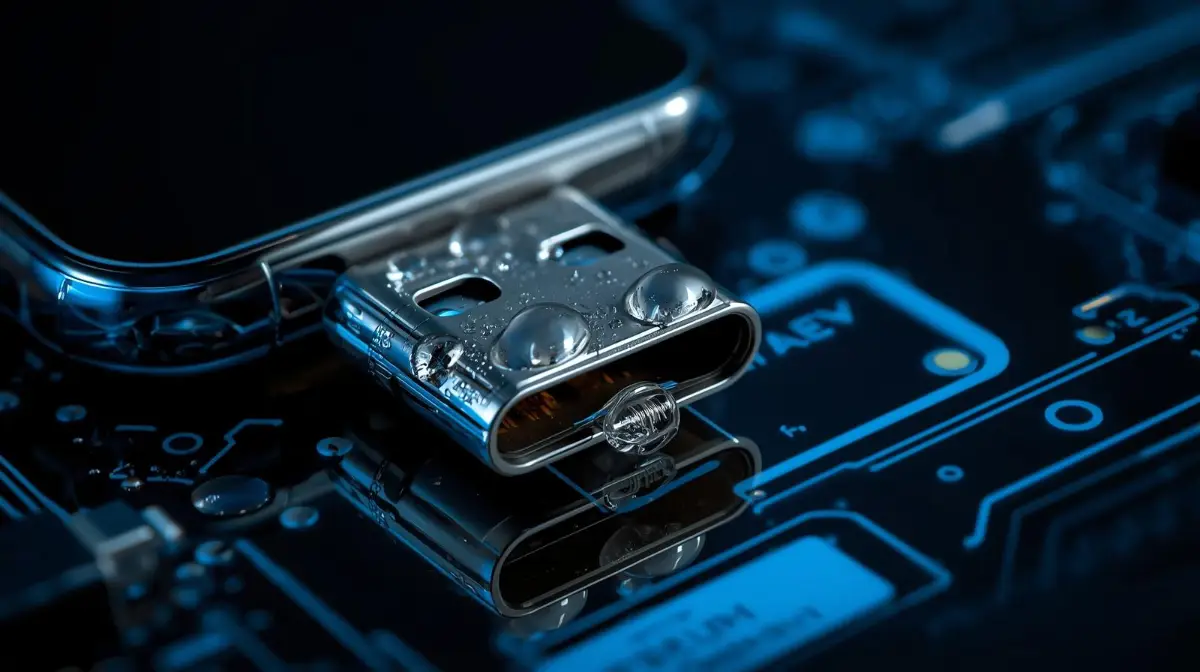
Smartphones are more water-resistant than ever in 2026, but water trapped inside the charging port can still cause serious problems. When moisture enters the port, your device may stop charging, display moisture warnings, or risk internal damage. Acting quickly and correctly is essential to protect your phone.
In this complete guide, we explain how to get water out of a charging port safely, what methods actually work, and which common mistakes can permanently damage your device. Follow these proven steps to restore your phone and prevent corrosion, short circuits, and charging failures.
Why Water in a Charging Port Is Dangerous
Modern smartphones often have IP67 or IP68 water resistance, but that does not mean they are completely waterproof. When water enters the USB-C or Lightning charging port, several issues can occur:
- Short circuits during charging
- Corrosion of internal connectors
- Charging errors or moisture detection warnings
- Slow charging or complete charging failure
Most smartphones today include moisture detection sensors. If the device detects water inside the charging port, it automatically disables charging to protect internal circuits.
The key solution is removing the water safely before attempting to charge the device again.
Immediate Steps to Take When Water Gets in the Charging Port
When your phone gets wet, taking the right steps immediately can prevent serious damage.
1. Turn Off the Device
Powering off your phone is the first step. This prevents electricity from passing through wet components, which could cause short circuits.
2. Disconnect Charging Cables
If the device is plugged in, unplug it immediately. Charging while moisture is present can damage the charging IC and motherboard.
3. Remove Accessories
Take off:
- Phone cases
- External chargers
- USB accessories
This allows the charging port to dry faster.
Best Methods to Get Water Out of Charging Port
Below are the most effective and safe techniques recommended by repair professionals.
1. Shake the Phone Gently
One of the simplest ways to remove water is gravity.
Steps:
- Hold the phone with the charging port facing downward.
- Gently shake it several times.
- Tap lightly on your palm.
This helps water droplets fall out of the port naturally.
2. Use Dry Air Flow
Air circulation is one of the safest ways to dry moisture.
Place your phone in front of:
- A fan
- Air conditioner airflow
- Natural ventilation
Leave the device there for 30–60 minutes.
Moving air helps evaporate moisture inside the port without damaging internal components.
3. Use a Soft Microfiber Cloth
Use a dry microfiber cloth to wipe the outer area of the charging port.
Do not push the cloth inside the port. Instead:
- Clean around the edges
- Remove visible water droplets
- Allow remaining moisture to evaporate
4. Use Silica Gel Packets
Silica gel packets absorb moisture effectively.
How to use them:
- Place your phone inside a container.
- Add several silica gel packets.
- Seal the container for 4–6 hours.
Silica gel absorbs moisture without harming the phone.
5. Wait for Automatic Moisture Detection to Clear
Many smartphones in 2026 display a “Moisture Detected in Charging Port” message.
When this appears:
- Do not charge your phone
- Wait until the alert disappears
- Allow the port to dry naturally
Usually the warning disappears within 1–2 hours once the port dries.
Advanced Method: Water Ejection Sound
Some devices support water ejection sound tools.
These tools play a high-frequency vibration sound that pushes water droplets out of speakers and ports.
Steps:
- Open a water eject sound website or app.
- Play the frequency sound.
- Hold the phone with the port facing downward.
The vibrations force trapped droplets out.
What NOT to Do When Drying a Charging Port
Many online tips can actually damage your phone. Avoid these common mistakes.
Do Not Use a Hair Dryer
Heat from hair dryers can:
- Damage internal components
- Melt plastic connectors
- Push water deeper inside
Always avoid direct heat.
Do Not Insert Cotton Swabs or Tissue
Putting objects inside the charging port can:
- Bend charging pins
- Leave lint inside the port
- Cause permanent damage
Do Not Charge Immediately
Charging with moisture inside the port can cause:
- Short circuits
- Burned charging connectors
- Motherboard damage
Always wait until the port is completely dry.
How Long Does It Take for a Charging Port to Dry?
Drying time depends on how much water entered the port.
Typical drying times:
| Situation | Estimated Dry Time |
|---|---|
| Small splash | 30 minutes |
| Rain exposure | 1–2 hours |
| Dropped in water | 3–6 hours |
If the phone was fully submerged, allow at least 24 hours before charging.
Signs That Your Charging Port Is Fully Dry
Before plugging in your charger, check for these signs:
- No moisture detection warning on screen
- Charger connects normally
- Charging starts immediately
- No unusual heat during charging
If any issues remain, wait longer.
How to Prevent Water from Entering the Charging Port
Prevention is always better than repair. Follow these simple habits.
Use a Waterproof Case
A good waterproof case provides extra protection when using your phone near:
- Swimming pools
- Rain
- Beaches
- Kitchens
Avoid Charging in Humid Environments
Charging in humid places such as bathrooms can cause condensation inside the port.
Keep the Port Clean
Dust and lint trap moisture inside the charging port.
Clean the port occasionally using compressed air or gentle airflow.
When to Visit a Repair Technician
Sometimes water damage is more serious than it appears.
Seek professional repair if you notice:
- Charging port not working
- Phone overheating while charging
- Corrosion visible in port
- Charging cable loose or not detected
Technicians can clean the port using special electronic cleaning solutions.
Final Thoughts
Water inside a charging port is a common problem, but it can be solved safely with the right methods. The key steps include turning off the device, allowing airflow, removing moisture naturally, and avoiding heat or sharp objects.
By following these safe techniques, you can quickly restore your phone and avoid costly repairs. Modern smartphones are designed to handle occasional moisture exposure, but proper drying ensures long-term reliability.
Maintaining a clean and dry charging port will keep your device charging efficiently and protect internal components from corrosion.